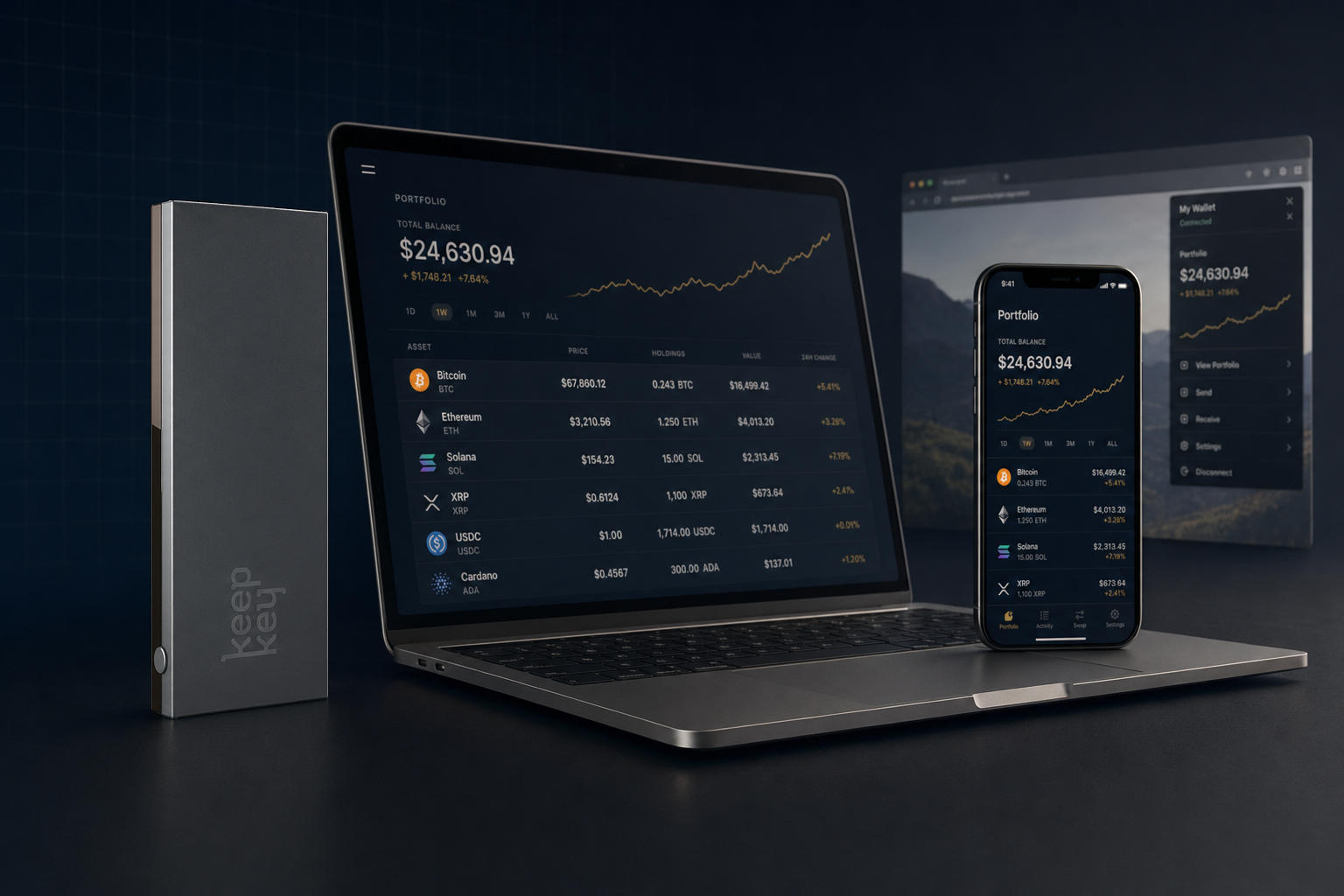
You Only Need KeepKey Desktop (Plus 2 Optional Add-ons)
TL;DR
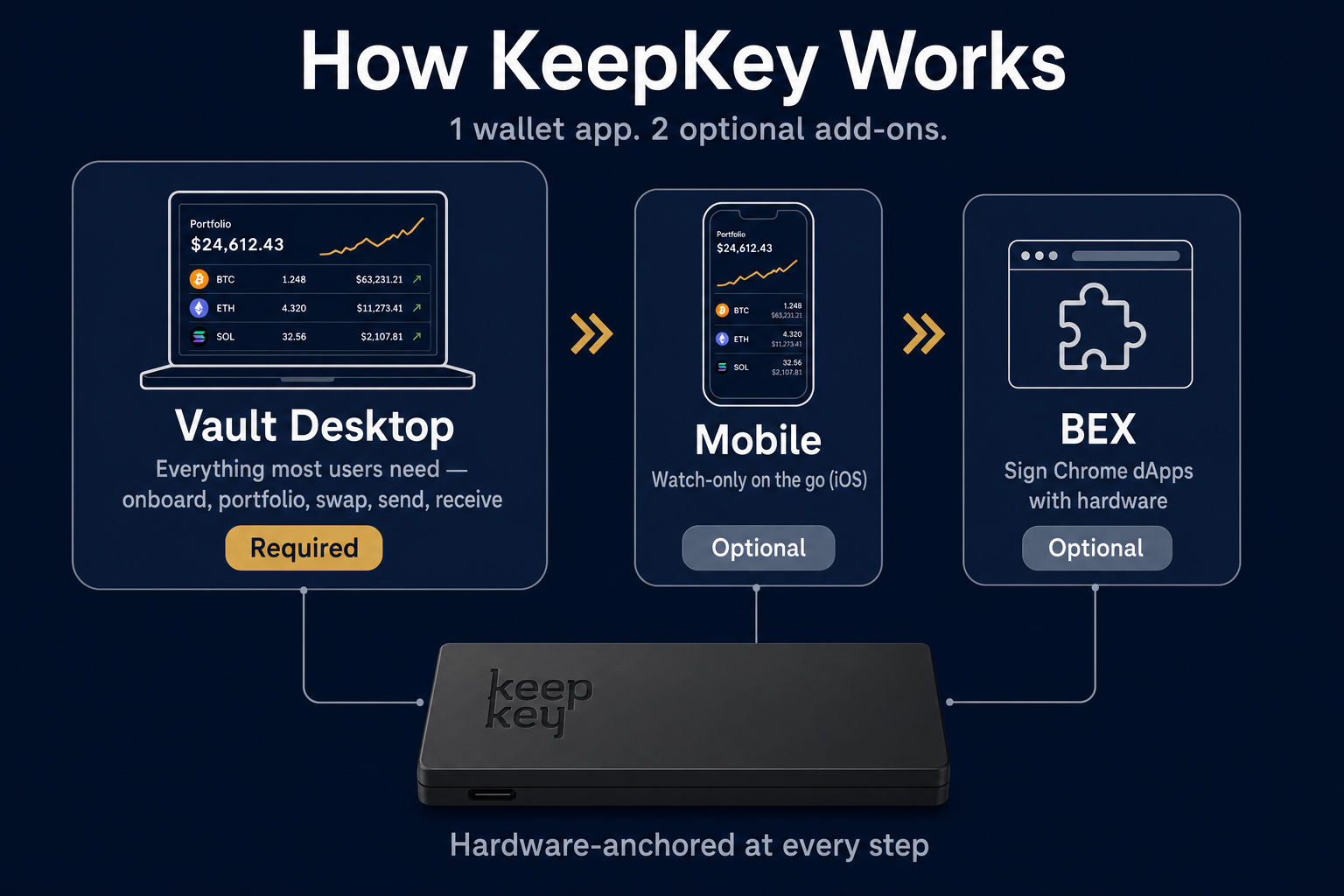
- KeepKey is 1 wallet app: KeepKey Desktop. It does everything most users need — onboard, portfolio, swap, send, receive.
- 2 optional add-ons: Mobile (watch-only, iOS) and BEX (Chrome dApps).
- Skip the add-ons unless you have a specific reason. Most people do.
- Your keys never leave the hardware — no matter which app is open.
The short answer to "why do I see multiple apps?"
KeepKey ships one wallet (KeepKey Desktop) and two optional add-ons (Mobile, BEX). It is not four products. It is not three products with different jobs. It's one wallet with optional companions for specific use cases.
Most users install KeepKey Desktop and stop there. That is the right answer for most people. The add-ons solve narrow problems — phone visibility, Chrome-based dApps — that you might or might not actually have.
At a glance
| Component | Role | Required? | When to install |
|---|
| KeepKey Desktop | The wallet — onboard, portfolio, send/receive, swap, firmware | Yes | First — Day 1 |
| Mobile | Watch-only portfolio on your phone (iOS today; Android coming) | No | If you want phone visibility |
| BEX | Hardware-signed Chrome dApp connections | No | If you use browser-based dApps |
🖥️ KeepKey Desktop — the wallet (start here)
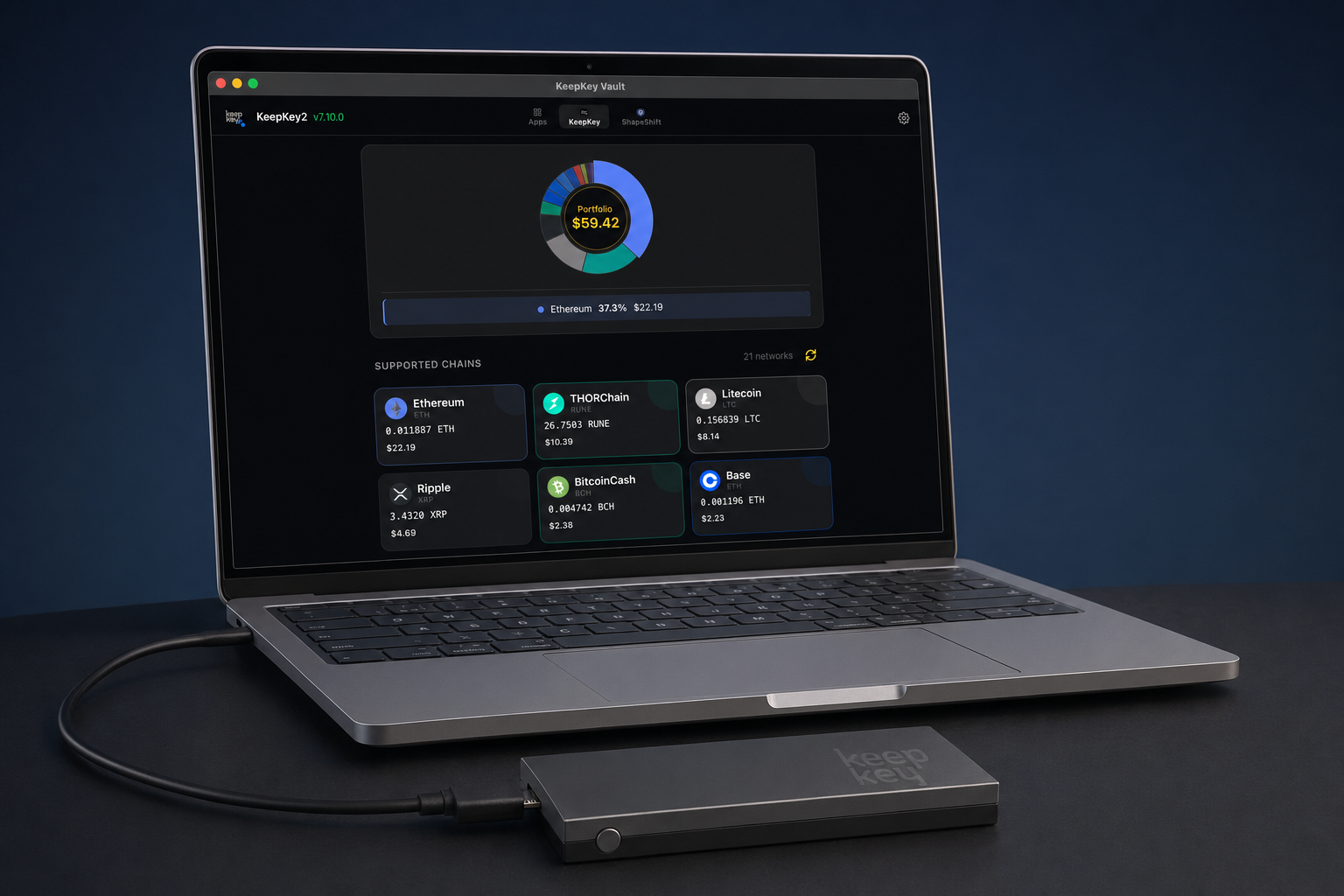
What it is. The KeepKey wallet. One application that handles onboarding, daily portfolio, send, receive, no-KYC swaps via THORChain, firmware updates, and recovery. It runs on your computer and talks directly to your KeepKey over USB.
Why it's the only thing most users need. It's not a partial wallet. It's the full feature set in one app. Setting up your KeepKey, checking balances, signing transactions, and swapping assets all happen here.
Where to get it. keepkey.com/desktop
Get KeepKey Desktop → · Connection trouble?
If you stop reading here, install KeepKey Desktop, complete onboarding, and start using your wallet — you're done with the basics. The rest of this article is for specific add-on use cases.
📱 Mobile (optional) — watch-only on the go
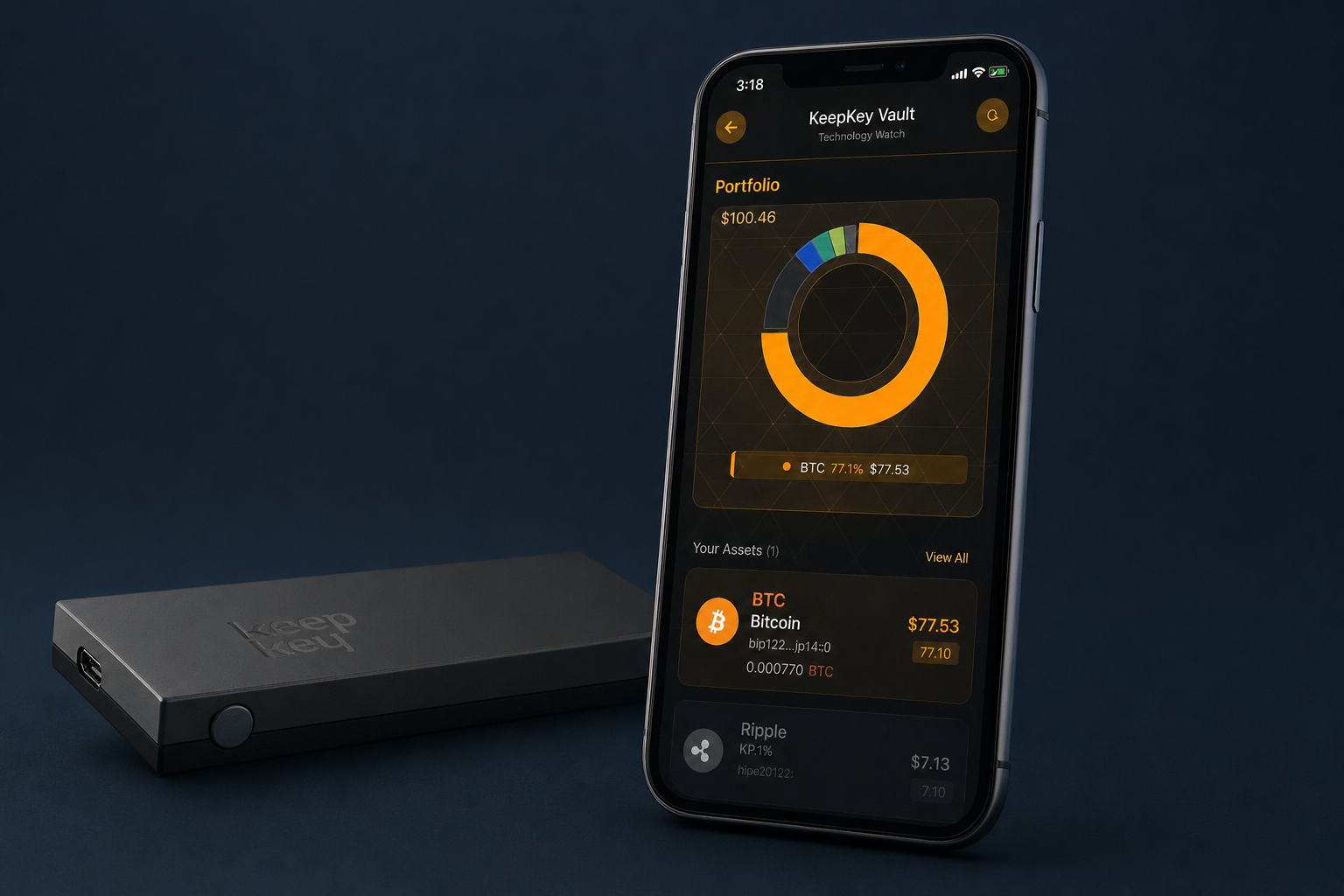
What it is. A read-only mobile app that shows your portfolio when your KeepKey is at home.
Why you might want it. If "what's my BTC doing right now?" is a question you ask more than once a week, Mobile is your dashboard in your pocket. Otherwise skip.
What it's not. A signing app. There is no path through Mobile to sign a transaction. Watch-only by design — your keys never go on a phone, ever.
Availability. iOS today. Android coming soon — don't wait for it if you have an iPhone now.
Get KeepKey Mobile →
🧩 BEX (optional) — for Chrome dApps
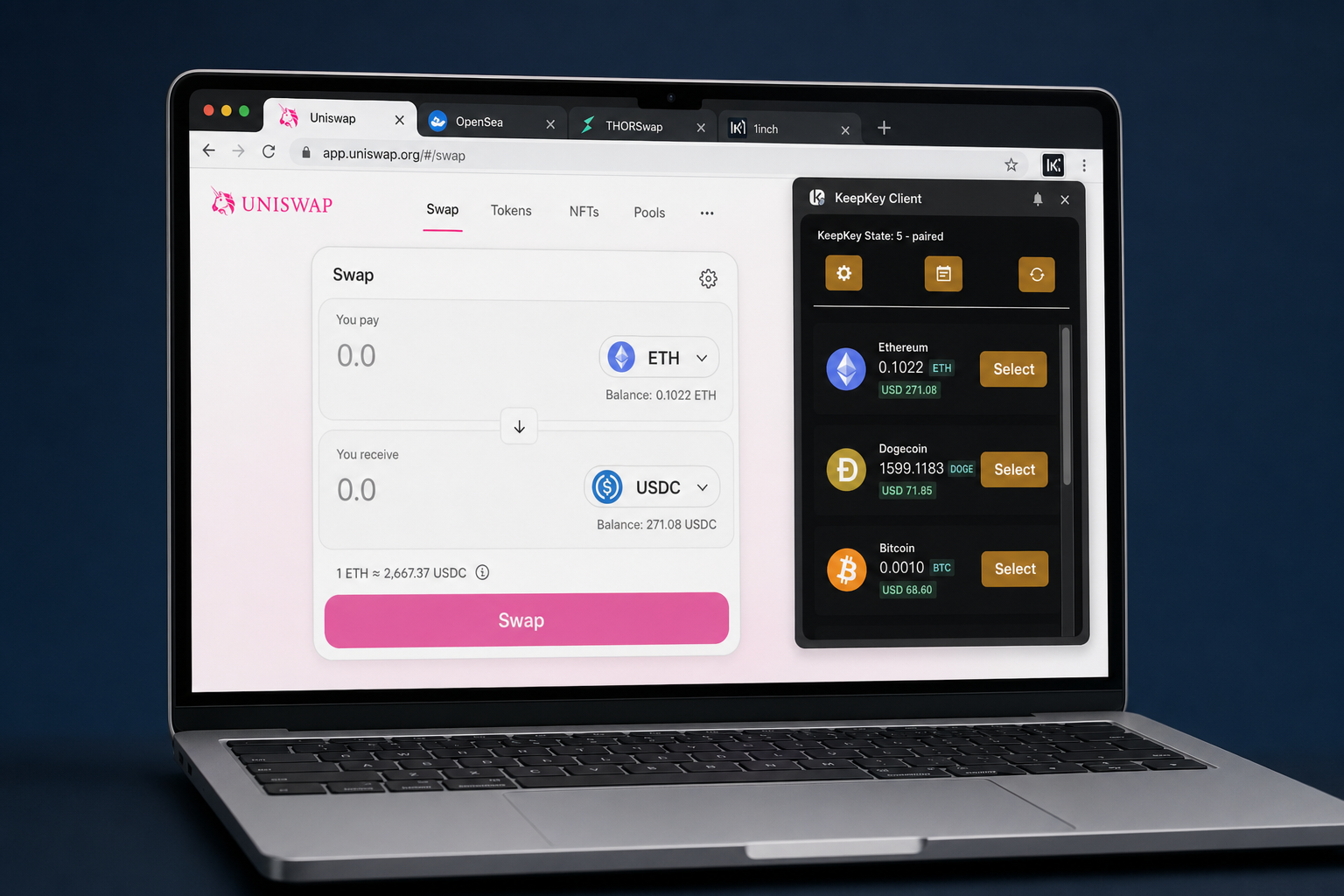
What it is. A Chrome extension that routes browser-based dApp transactions to KeepKey Desktop for hardware signing. Your keys never live in the browser.
Why you might want it. If you use DEXes, NFT marketplaces, or governance portals in Chrome, BEX makes them safe to use without abandoning your hardware wallet. Most other "browser wallets" (MetaMask, etc.) make two assumptions you shouldn't accept: Ethereum-only, and keys in the browser. Both are wrong for a hardware-wallet user.
What it's not. A wallet. BEX is a connector — the actual signing happens on your KeepKey via KeepKey Desktop. Without KeepKey Desktop running, BEX has nothing to talk to.
Availability. Chrome only.
Get KeepKey BEX →
What you just learned
- KeepKey is one wallet app (KeepKey Desktop) plus two optional add-ons (Mobile, BEX).
- KeepKey Desktop covers everything most users need. Onboard, portfolio, swap, send, receive — all in one place.
- Add Mobile only if you want phone visibility (iOS today, Android soon).
- Add BEX only if you use Chrome-based dApps.
- The hardware wallet is the trust anchor — your keys never leave it, no matter which app is on top.
If KeepKey Desktop is installed and you're using your KeepKey, you're done with the basics. Mobile and BEX are there when you need them, not before.
Start at the beginning → Get KeepKey Desktop