Release pipeline · Zcash on KeepKey
Nothing reaches real funds until it is signed & audited.Pre-Alpha
developers
Experimental — emulator & unsigned firmware. Test seeds only.
Internal Audit
upstream · rel. no.
Promoted to upstream, assigned a release number, reviewed internally.
External Audit
upstream
Standalone repo opened to outside security researchers.
Release Candidate
develop
Audit clears — merged to develop, staged for firmware + KeepKey Desktop.
Signed Alpha
signed · opt-in
Signed build. Opt in on signed firmware, at your discretion.
Released
all users
Every KeepKey Desktop user prompted to update. Zcash by default.
Zcash
on KeepKey.
Orchard shielded transactions on hardware — clear-signed, not blind-signed. Spending keys never leave the device, and every recipient is rebuilt and shown on its own screen before it signs.
Security model · clear-sign feature complete
The device never blind-signs.
Two things are proven with cryptography — that the address you receive on is yours, and that the address you send to is the one on the screen.
You own the address
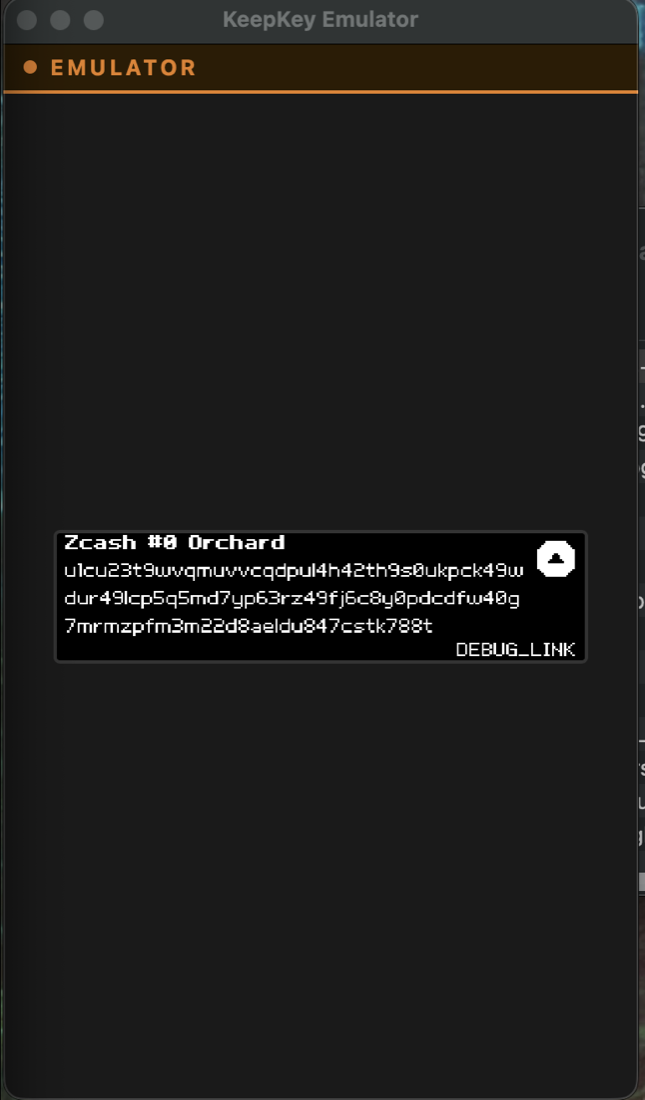
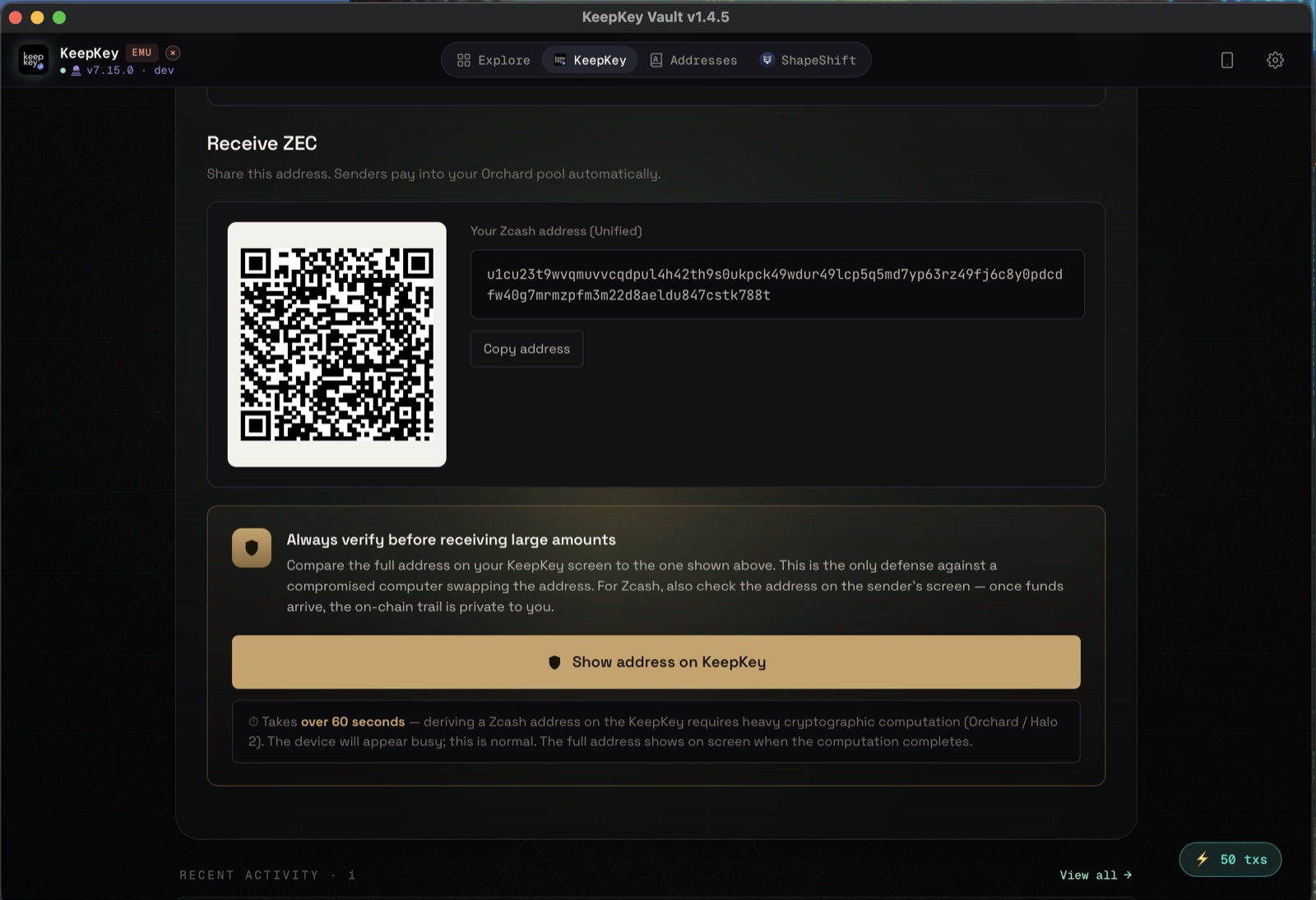
Your Orchard address (u1…) is derived inside the device and shown on its own screen with a QR code, bound to your seed by a ZIP-32 fingerprint. The address you copy is proven to belong to this device — not one the host substituted.
You see the real destination
For every recipient — shielded or transparent — the firmware rebuilds the address and amount from the raw transaction, recomputes the note commitment and sighash, and shows "Send ZEC to <address>". If anything mismatches, it refuses to sign.
What the firmware enforces
- ✓Spending key never leaves the device — only the viewing key is exported
- ✓Per-output recipient + amount confirmed on-screen
- ✓Orchard note-commitment (cmx) recomputed on-device
- ✓ZIP-244 sighash recomputed on-device — no opaque-hash blind signing
- ✓Addresses bound to the seed via ZIP-32 fingerprint (wrong-device rejected)
- ✓Strict ZIP-32 derivation paths (m/32′/133′/account′)
Walkthrough
Try it without a device.
The emulator is the real firmware compiled as a library. Drag it onto KeepKey Desktop and audit the entire Orchard flow with a test seed — no hardware required.
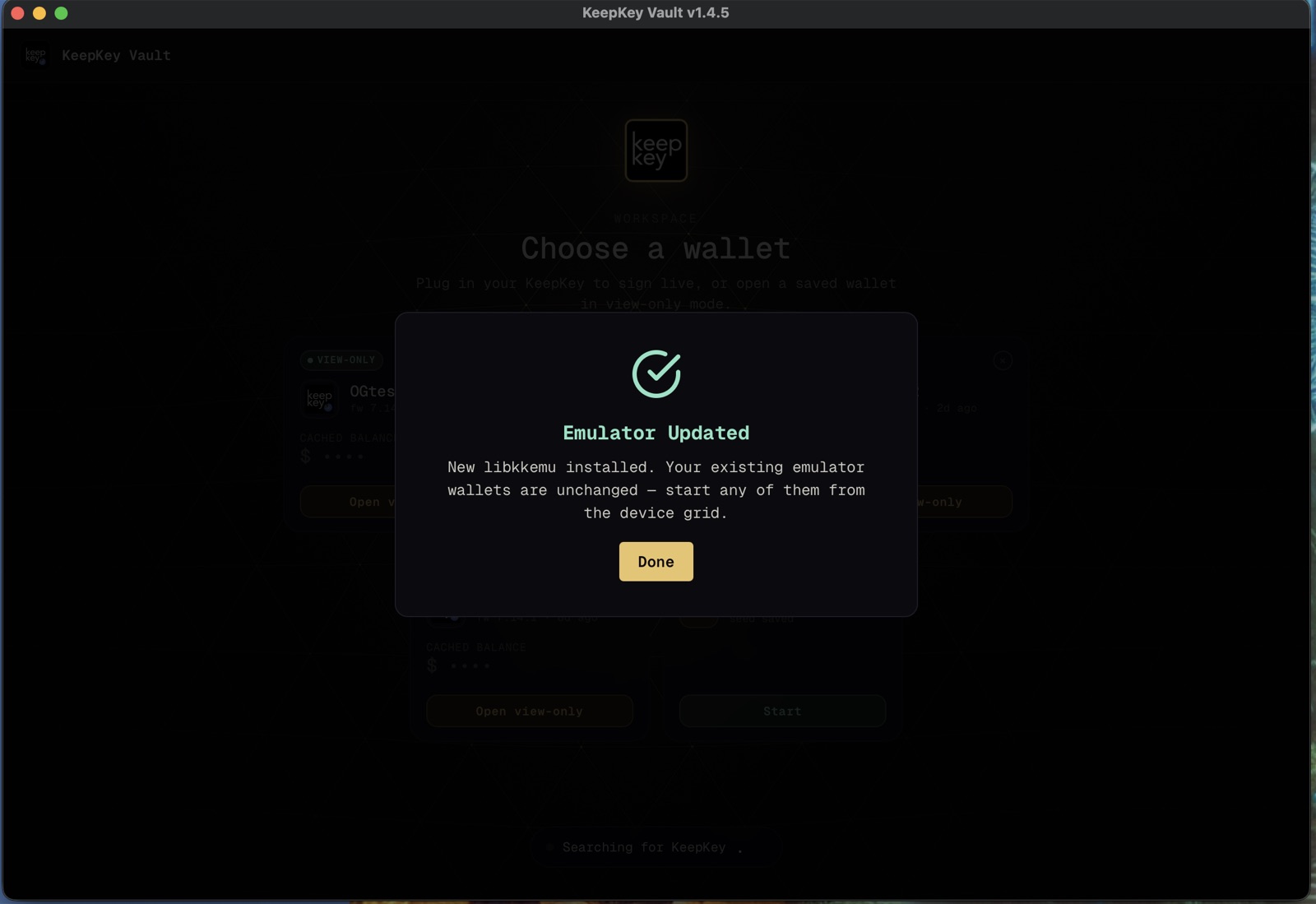
Install the emulator
Drop libkkemu into KeepKey Desktop. It loads the real firmware in-process — no device, no separate process.
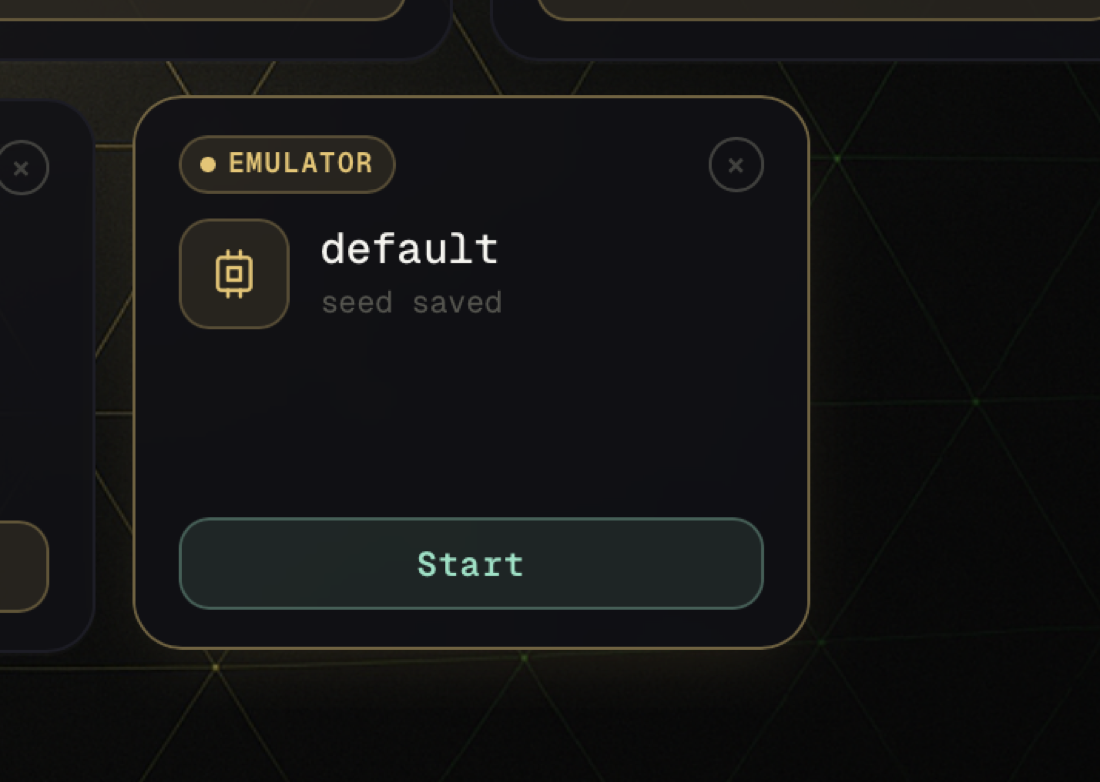
Start an emulator wallet
Pick or create an emulator wallet and start it from the device grid. Test seeds only.
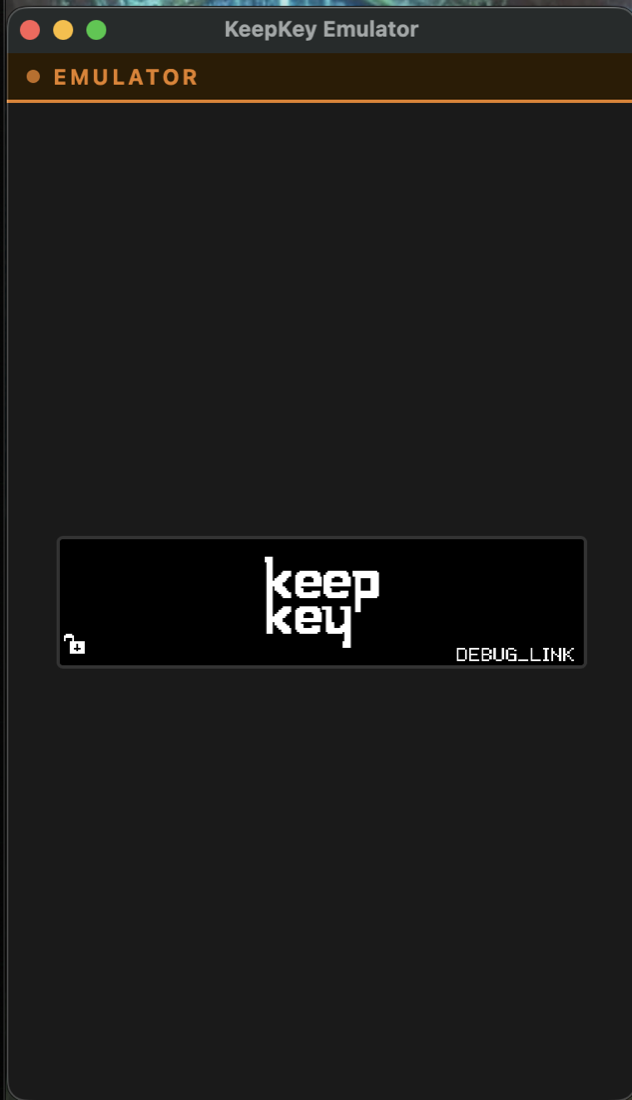
The emulated device
A full KeepKey screen runs in software — every prompt appears exactly as it would on hardware.
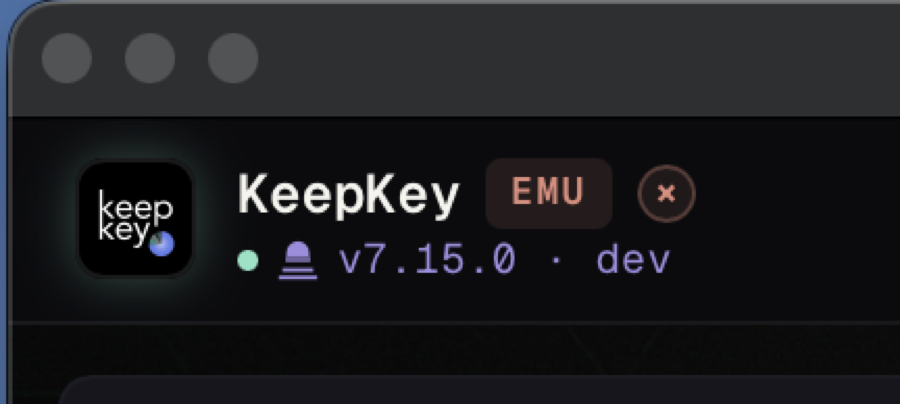
Confirm firmware
KeepKey Desktop shows EMU mode running the Zcash developer firmware (v7.15.0).
The emulator holds its seed in software memory — never load a seed that controls real funds. The default test seed is the all-zeros BIP-39 vector.
The Zcash experience.
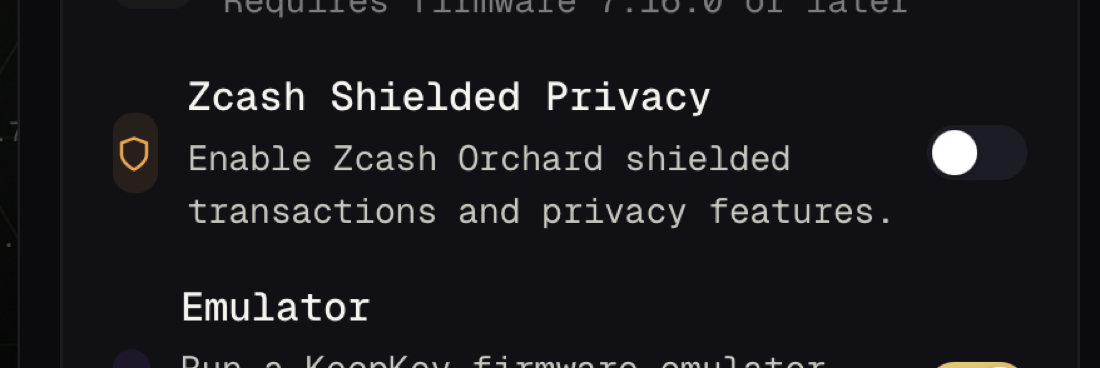
Enable Zcash
Settings → Feature Flags → turn on Zcash Shielded Privacy. A ZEC tile joins your assets.
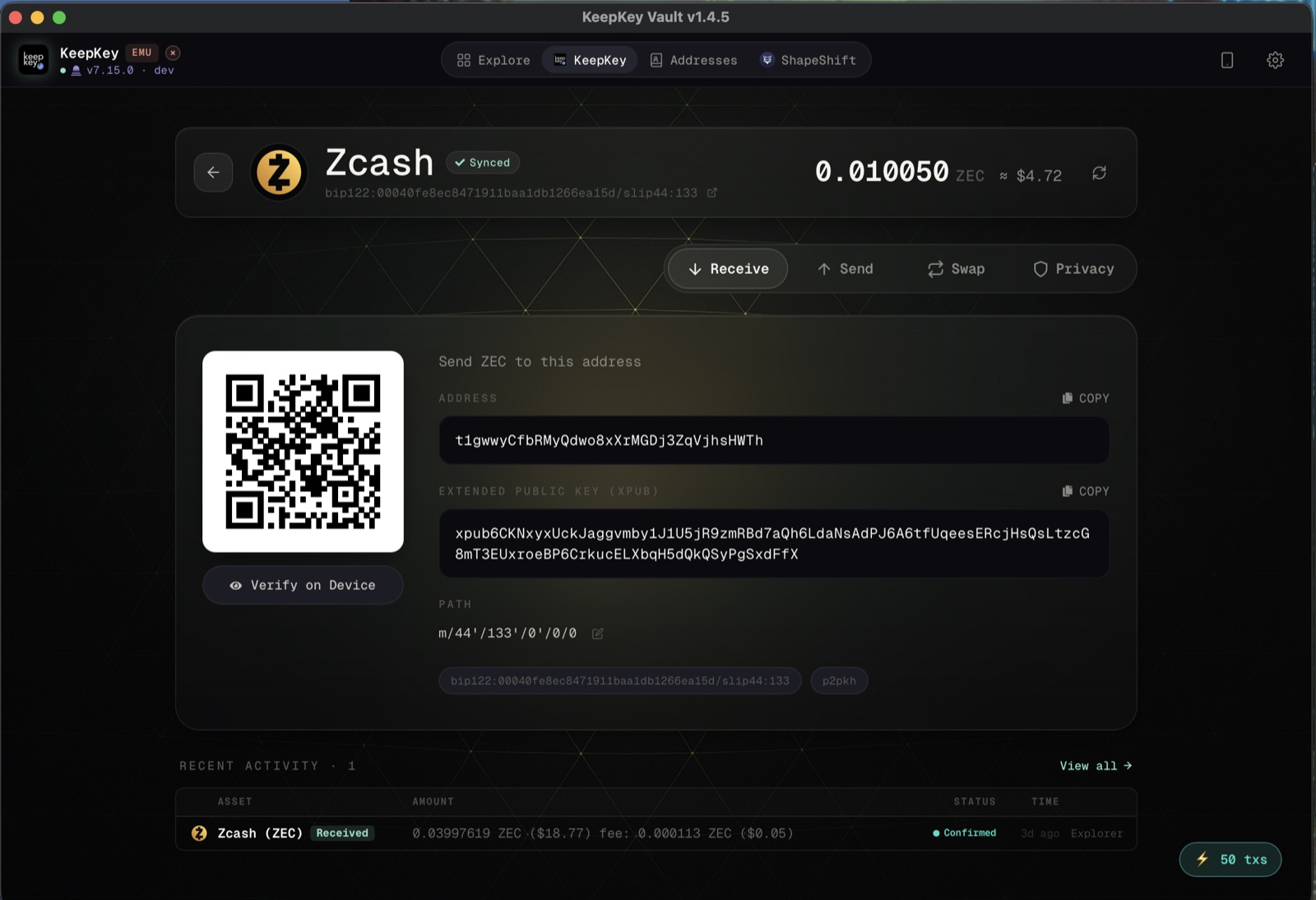
Receive (transparent)
A standard t1… address with QR — and a Verify on Device button to confirm it on the KeepKey.
Receive (shielded)
A unified Orchard u1… address. Deriving it on-device takes ~60s — heavy Halo2 computation, by design.
Verified on-device
The same u1… address shown on the device screen — cryptographic proof it is yours.
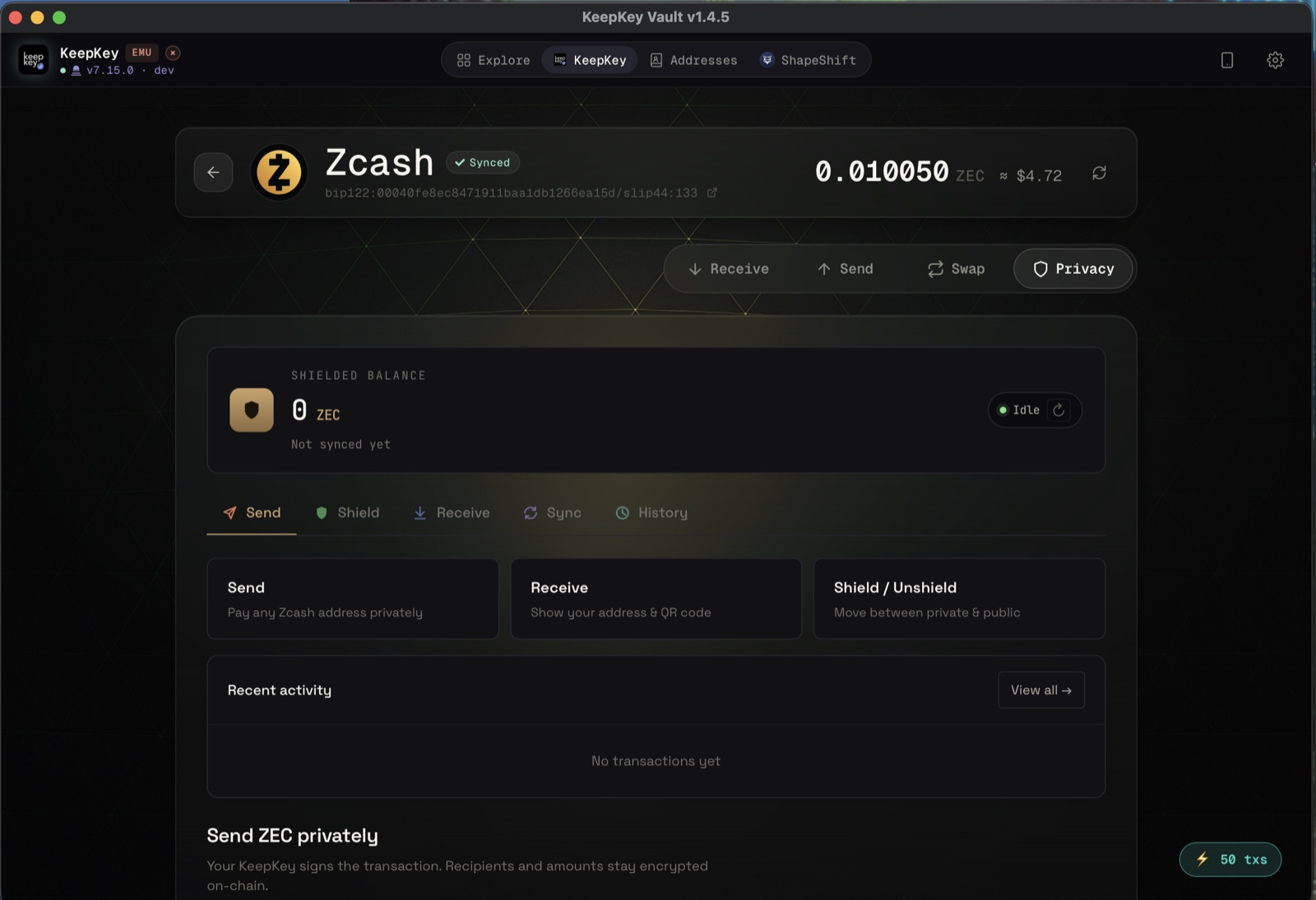
Privacy dashboard
Shielded balance, with Send, Shield/Unshield, Sync and History across the Orchard pool.
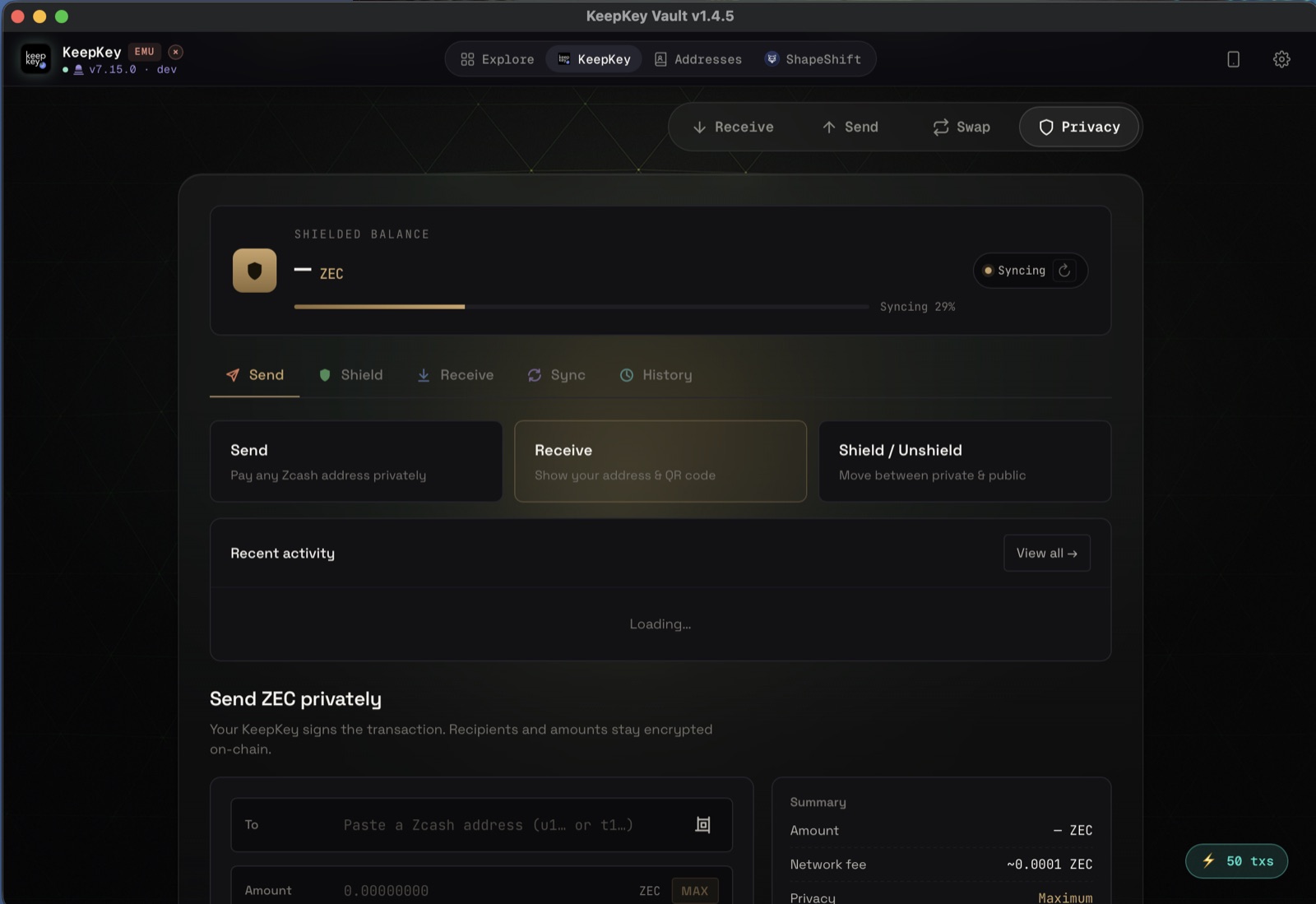
Send privately
Pay any u1…/t1… address. Recipients and amounts stay encrypted on-chain; the device clear-signs each output.
For auditors
The cryptographic surface is open.
The Zcash sidecar and firmware ship as a standalone repository — 59 tests over ZIP-244 sighashes, ZIP-317 fees, Orchard tree building and full v5 round-trips — so the consensus-critical code can be reviewed without the full KeepKey Desktop app. The developer firmware is unsigned by design; review it, build it, exercise it.
Flashing unsigned firmware wipes the device seed and shows an unsigned-firmware warning — both expected. Use a spare device with no real funds, and back up any seed first.