Bitcoin-only
KeepKey.
A stripped-down version of Vault Desktop that only speaks Bitcoin. Smaller codebase, smaller attack surface. For maximalists who want nothing else on the wire.
Why Bitcoin-only
Less code.
More trust.
Minimal attack surface
No EVM code, no Solana runtime, no swap integrations. Just Bitcoin validation logic.
Smaller binary
Fewer dependencies means less code to audit and a smaller surface for supply-chain attacks.
Same hardware
Your existing KeepKey. No new device needed — flash the Bitcoin-only build from Vault Desktop.
Open source
Firmware and companion app are public on GitHub. Deterministic builds available.
Walkthrough
From plug-in to signed transaction.
The Bitcoin-only Vault app is identical to the full Vault — just stripped of every non-Bitcoin chain.
Getting started
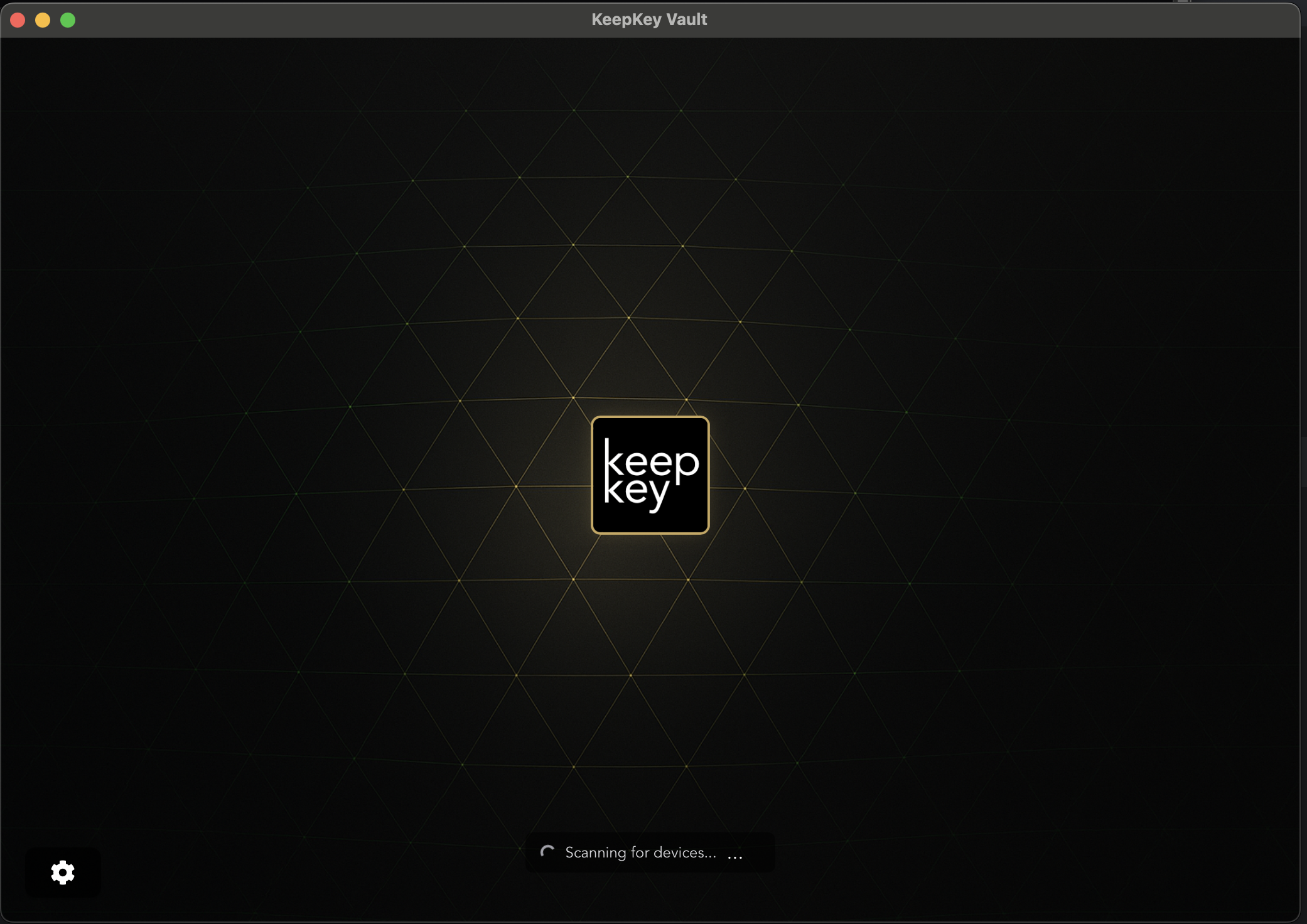
Launch Vault Desktop and connect your device. The app scans for your KeepKey automatically.
 1 / 7
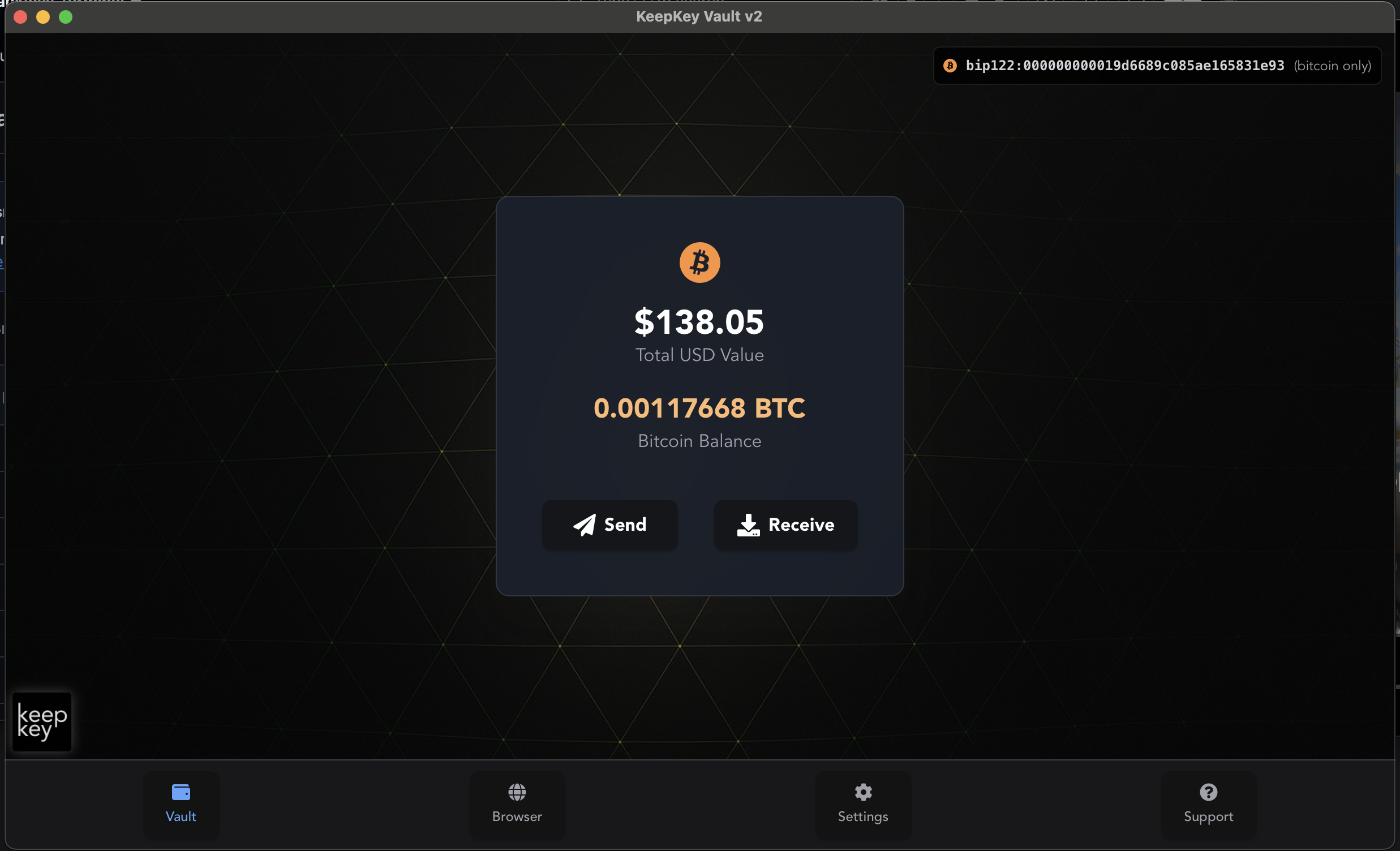
1 / 7Main dashboard
View your Bitcoin balance in both BTC and USD. Clean, single-asset interface — nothing else.
 2 / 7
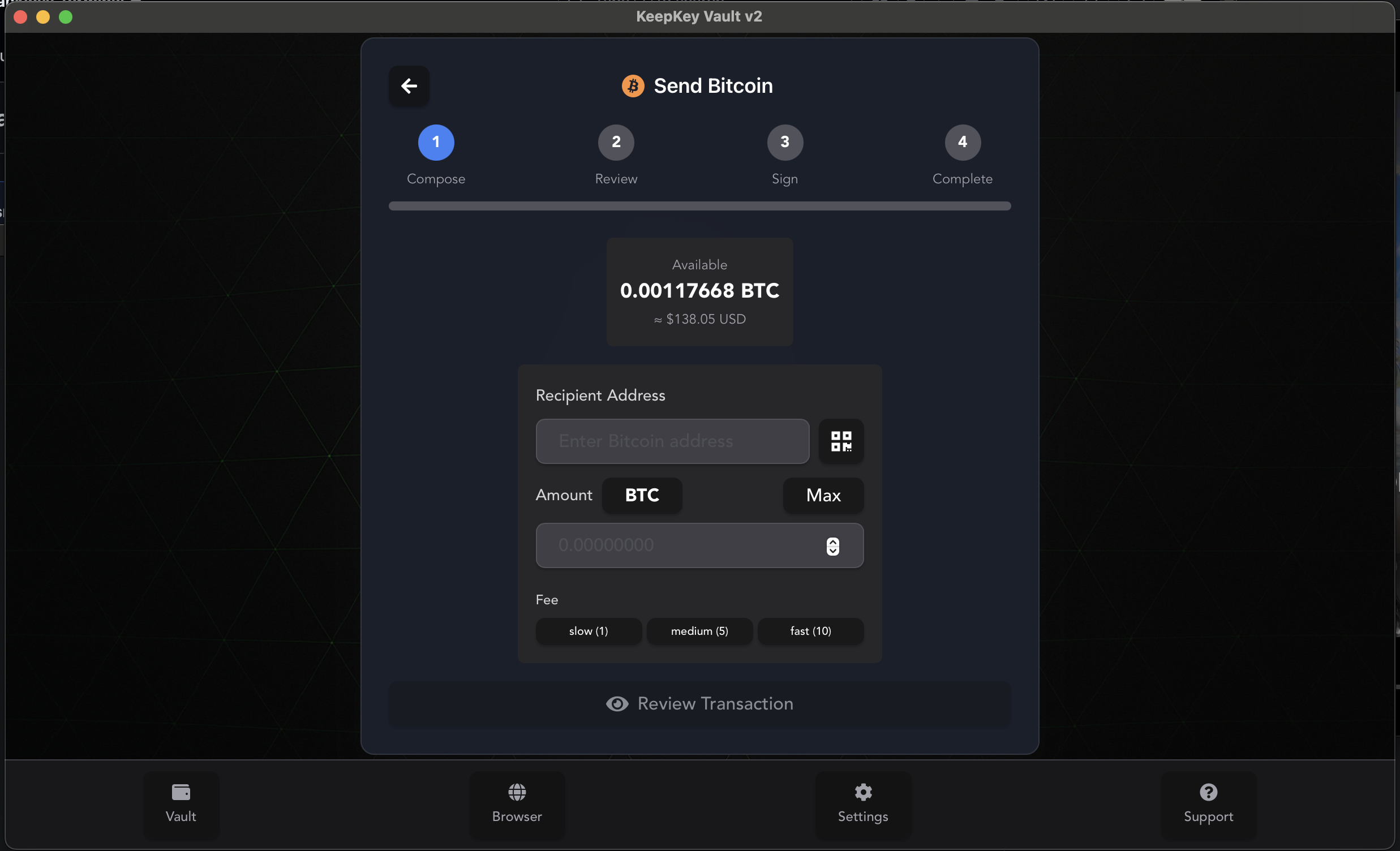
2 / 7Send Bitcoin
Enter the recipient address and amount. All math happens on-screen so you can verify before signing.
 3 / 7
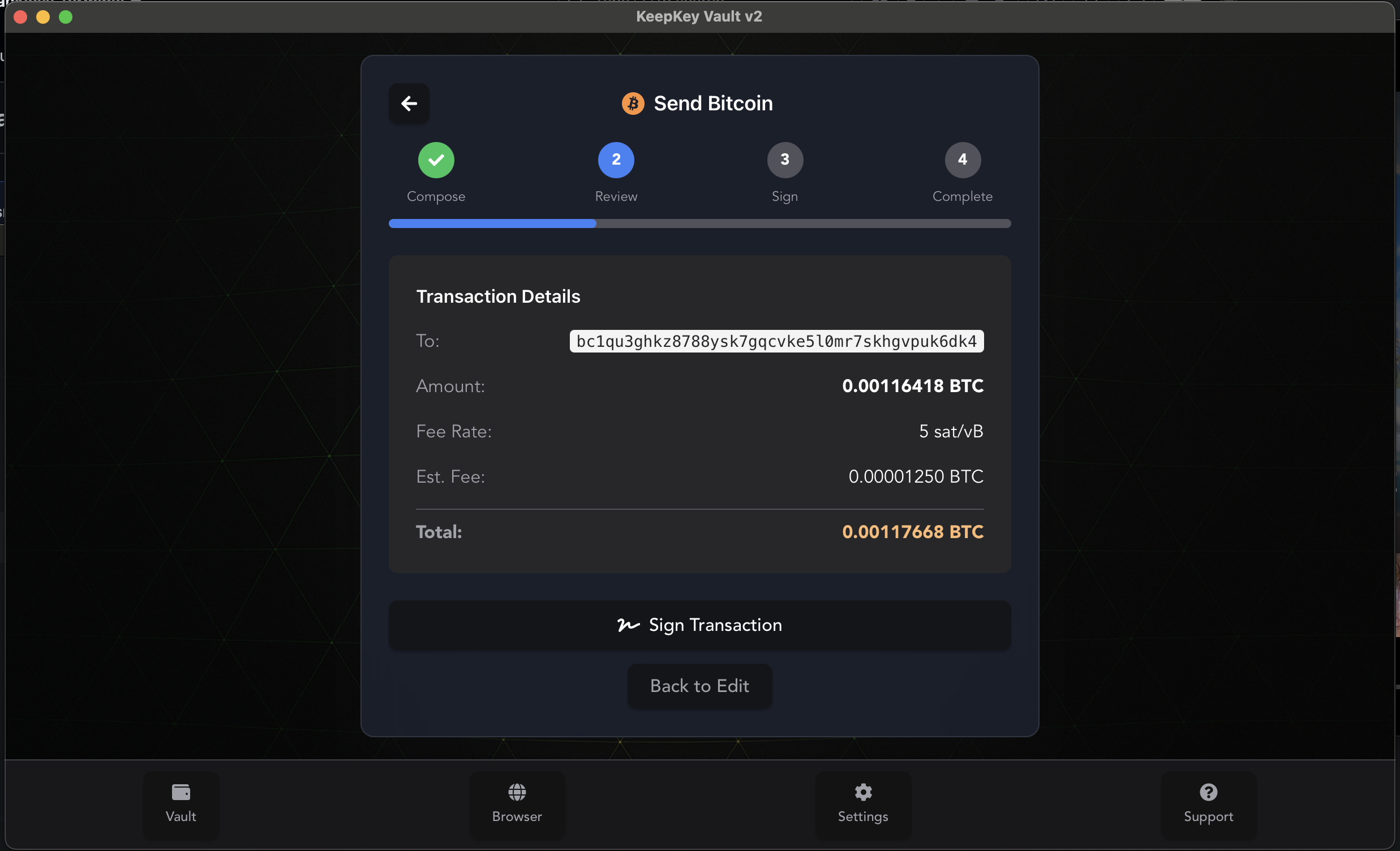
3 / 7Review transaction
Check recipient address, amount, and fee. Nothing is broadcast until you confirm on the device.
 4 / 7
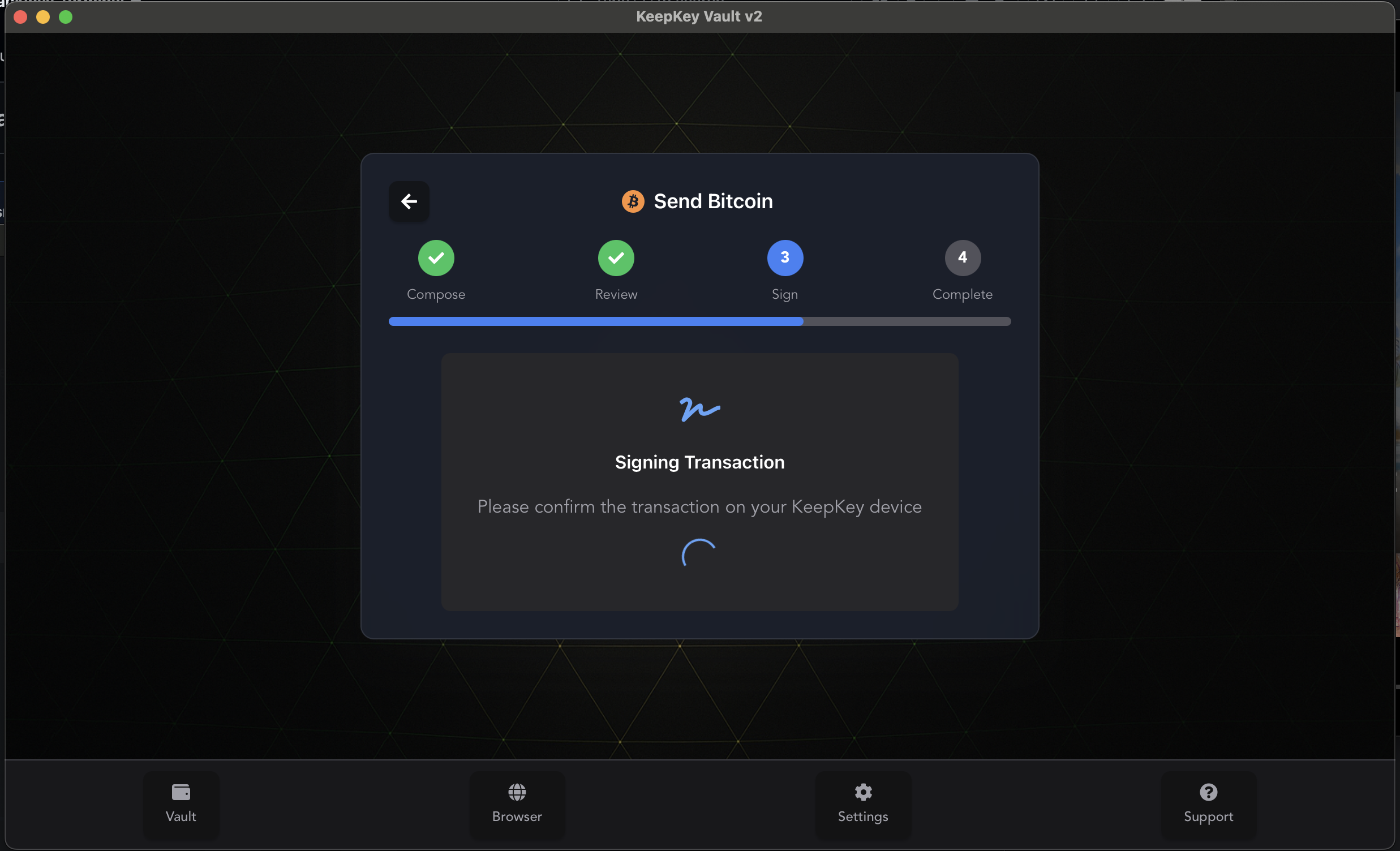
4 / 7Confirm on device
KeepKey shows the exact amounts on its OLED screen. Press the button to sign. Keys never leave hardware.
 5 / 7
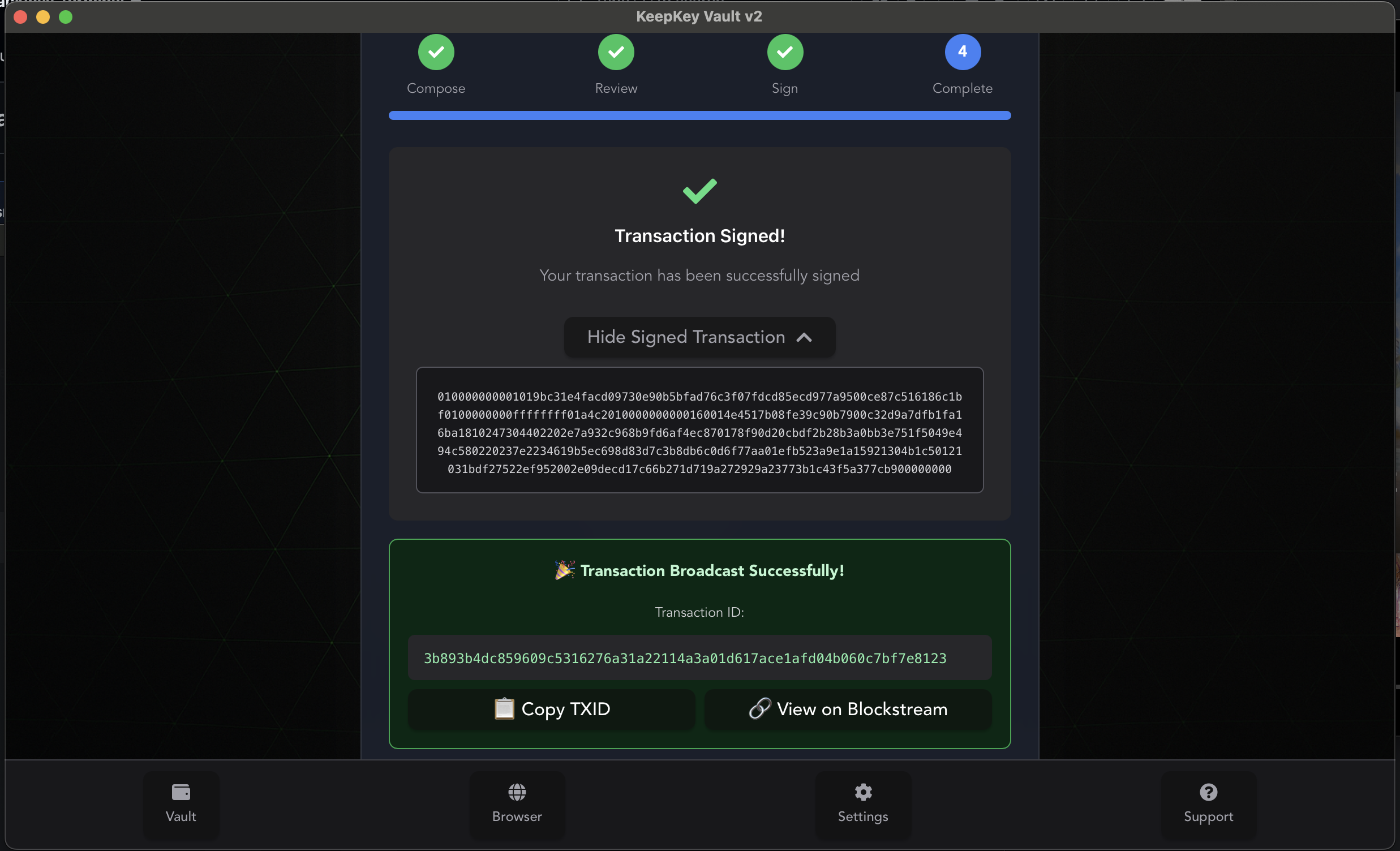
5 / 7Transaction broadcast
Signed transaction is ready to broadcast. Full transaction data displayed for independent verification.
 6 / 7
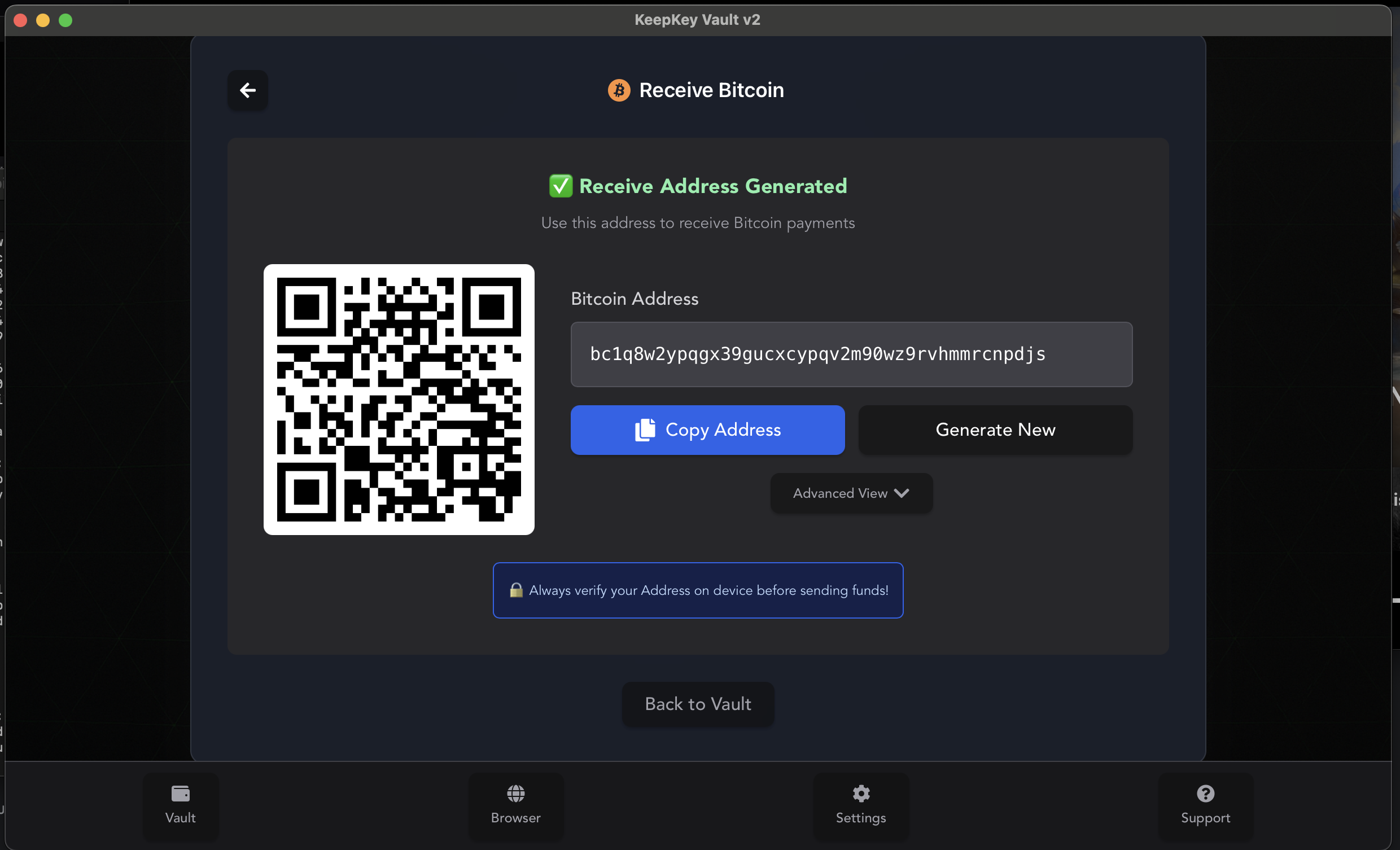
6 / 7Receive Bitcoin
Generate a fresh address any time. QR code is ready to share.
 7 / 7
7 / 7
Bitcoin-only
device firmware.
A device-level Bitcoin-only firmware build is in development. The companion app will flash it directly from Settings — no command line needed.